

Photos: The various format options offer endless possibilities. Your most precious memories on high-quality premium photo paper.
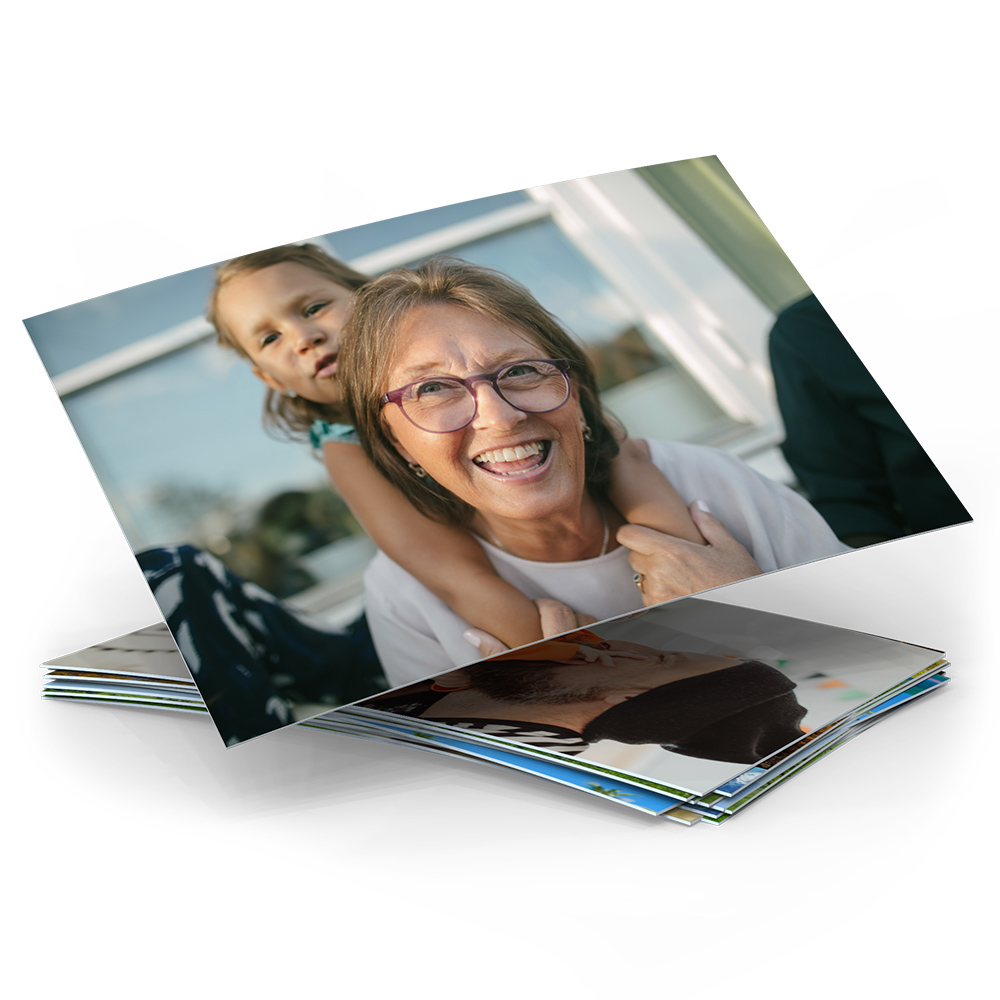
- Sizes: 9 cm, 10 cm, 11 cm, 13 cm, 20 cm
- Surface: Matt or Glossy
- Single photos incl. photo bag
- Optional text on the back

- Sizes: 13x13 cm, 13x19 cm
- Softcover with leporello binding without folds
- Paper surface: Matt
- Cover surface: Matt
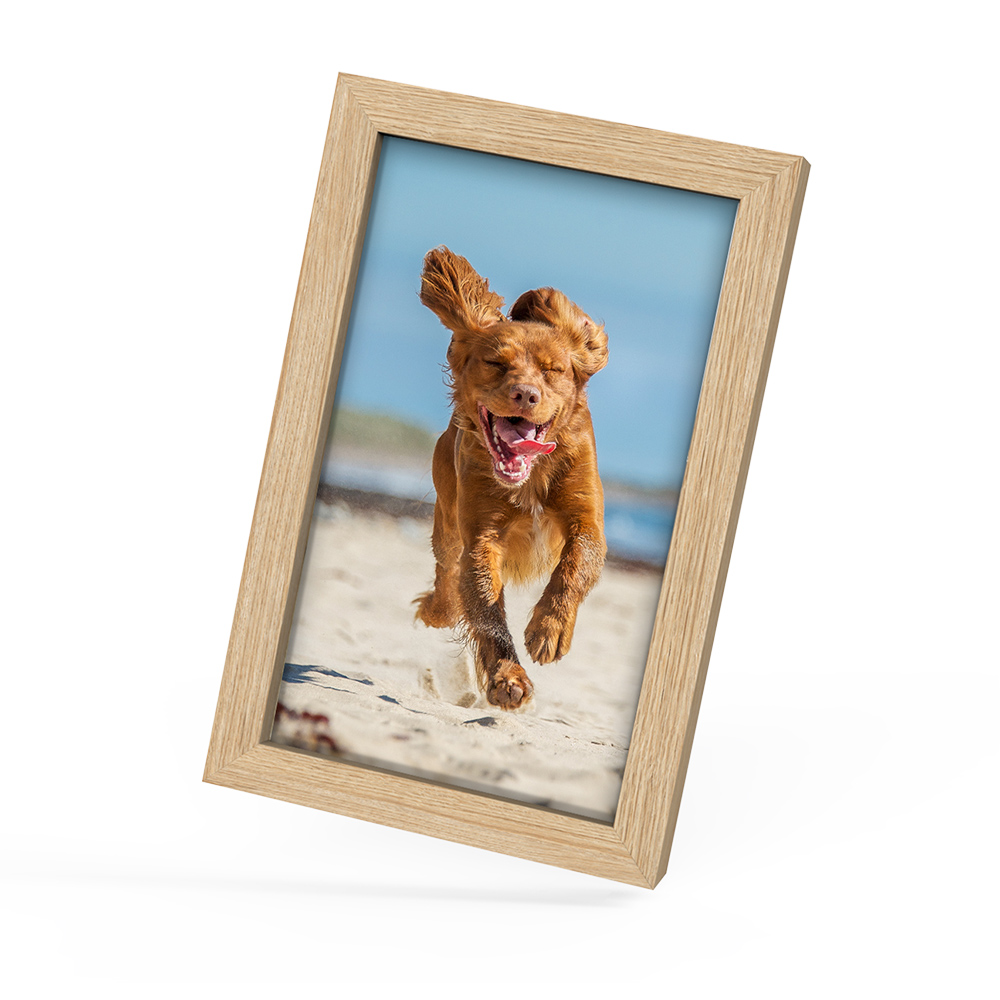
- Material: Lime or oak wood
- Colour: Black, White or Oak (natural)
- Timeless, high-quality appearance of your image
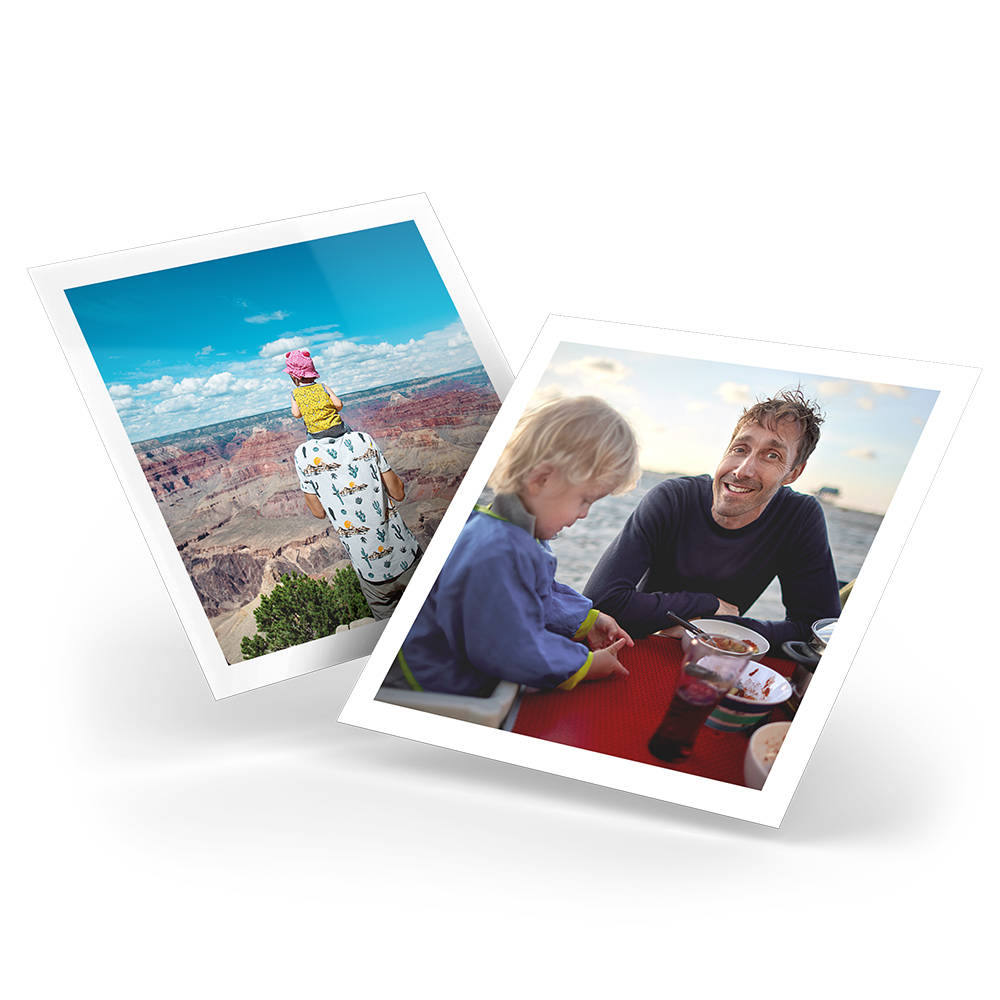
- Size: 10x10 cm
- Surface: Glossy
- 24 photos incl. storage box
- Optional with or without white border

- Sizes: Ø 40 mm round or 30x40 mm rectangular
- Surface: Matt
- A5 sticker sheet with 12 round or 16 rectangular stickers

- Sizes: 9x13 cm, 10x15 cm, 11x17 cm, 13x19 cm, 20x30 cm
- 1.8 cm thick, transparent acrylic block
- Easy to swap photo
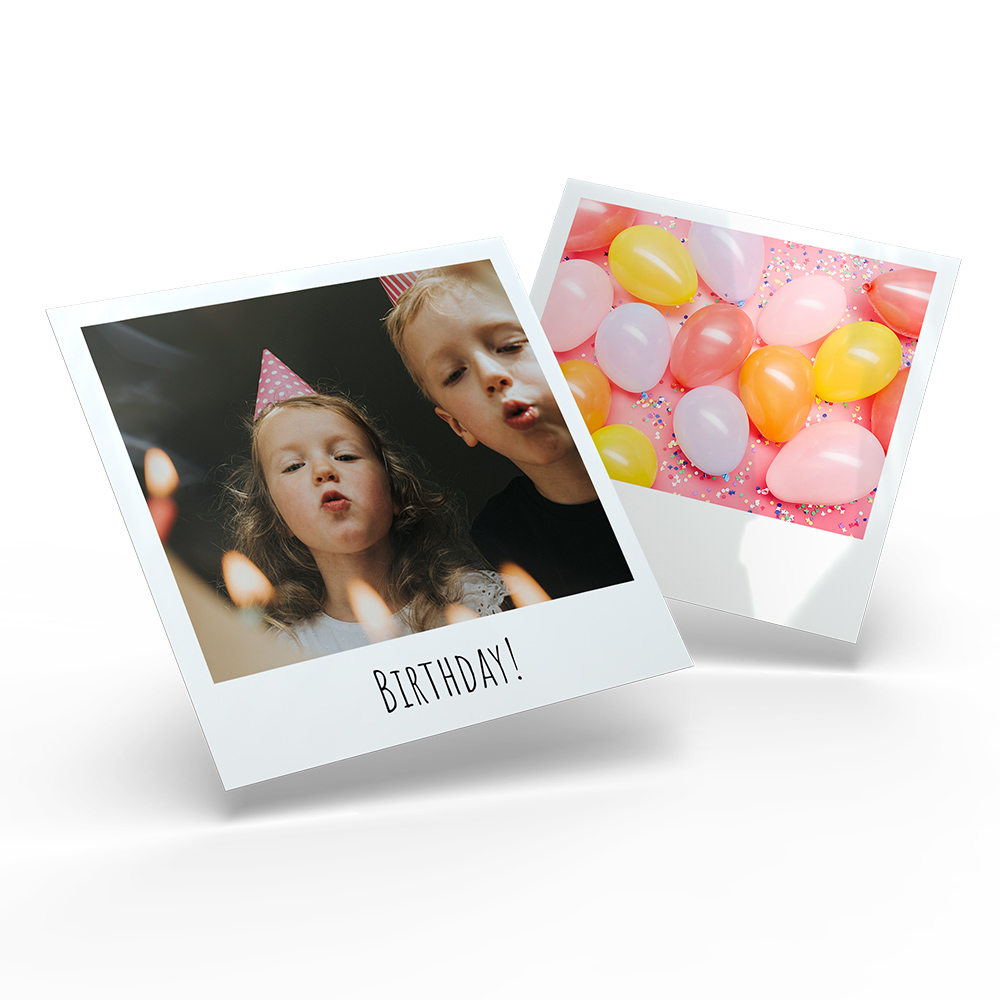
- Size: 10x10 cm
- Surface: Glossy
- 24 photos incl. storage box
- White border in a retro look

- Size: 10x15 cm
- 1.8 cm thick acrylic glass, filled with hearts, sand or snow
- Easy to swap photo
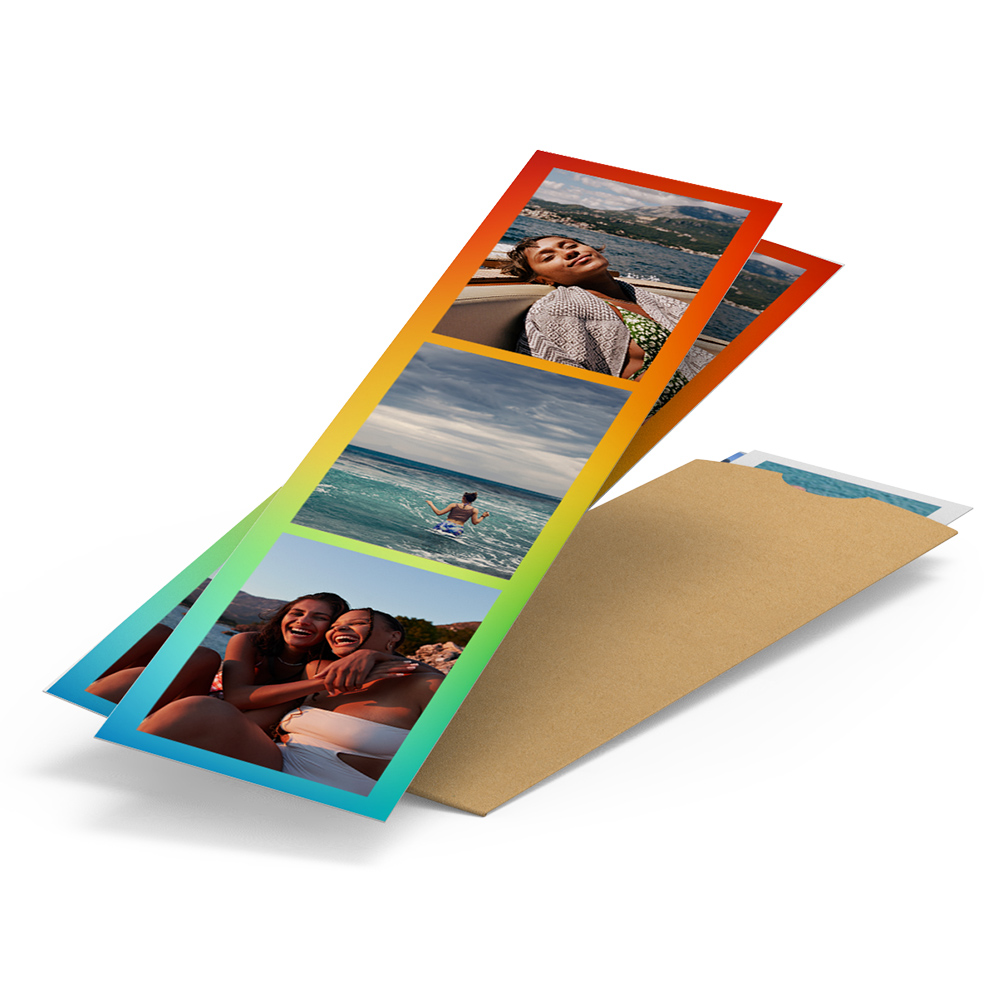
- Size: 5x19 cm
- Surface: High-gloss
- 5 photo strips incl. protective sleeve
- More than 10 layout variants
Creative design ideas
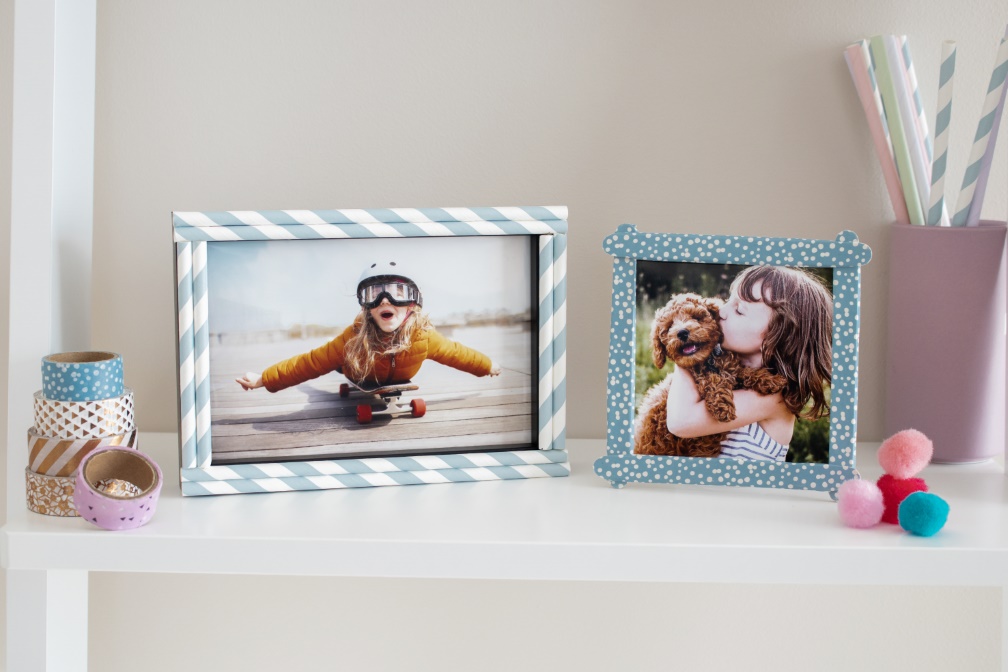
Creative photo frames

Brilliant Ideas for Your Party Photos
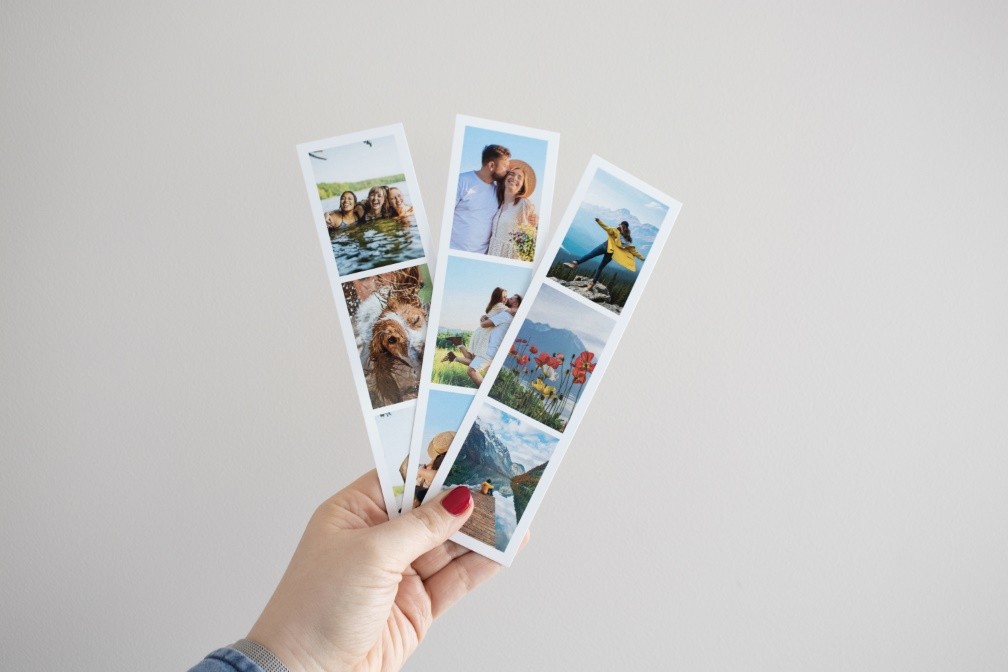
Creative ideas for photo strips
Different ordering methods
Order your photos online, using our ifolor Designer or the app on your smartphone and tablet.


Frequently Asked Questions - Photos
To ensure your photos are not cropped, the prints automatically adjust to the aspect ratio of your image. This way, the entire photo is preserved.
How it works:
Calculate the aspect ratio:
Open the image details and divide the larger pixel dimension by the smaller one.
Example: 3264 ÷ 2448 = 1.33 → the aspect ratio is 4:3.
Calculate the print size:
For example, choose the format "10 cm". This is the short side (10.2 cm).
With an aspect ratio of 4:3, the calculation is:
10.2 cm × 4/3 = 13.6 cm → your print size is therefore 10.2 × 13.6 cm.
Note:
If your image is too long, it will be cropped.
If it is too narrow, white borders will appear.
Standard formats: 2:3 / 3:2
This format usually comes from DSLR or mirrorless cameras. It is ideal for classic photo prints (recommended).
Special formats:
-
4:3: Common for smartphones and compact cameras. More square than 3:2, resulting in formats like 10.2 × 13.6 cm.
-
Panorama (16:9): Printed with white borders. Larger formats help to better showcase the image.
-
Square (1:1): Both sides are equal length – ideal for square prints.
On Android devices, you can find the different aspect ratios in the settings of the camera app or as a quick setting directly on the display in recording mode. Here you can usually choose between 4:3, 1:1 and 16:9. Depending on the device, it may even be possible to select different resolutions for a certain aspect ratio.
When taking photos with an iPhone, the available aspect ratios are displayed directly above the Shutter button in the camera app. By swiping to the left or right you can choose between “Photo” (4:3), “Square” (1:1) and “Pano” (panorama function). To take a panoramic photo, press the Shutter button and slowly move the iPhone’s camera from one side of your shot to the other. However, these extra-wide photos cannot be developed without image loss. Instead, you can use a photo editing program to split the panoramic photo into several photos and have them developed individually. The 16:9 ratio is only available for video in iOS.
Analogue cameras have an aspect ratio of 2:3. This is determined by the film rolls used, which come in 35mm format and can only show this aspect ratio. For this reason, it is not possible to change the aspect ratio in analogue photography.